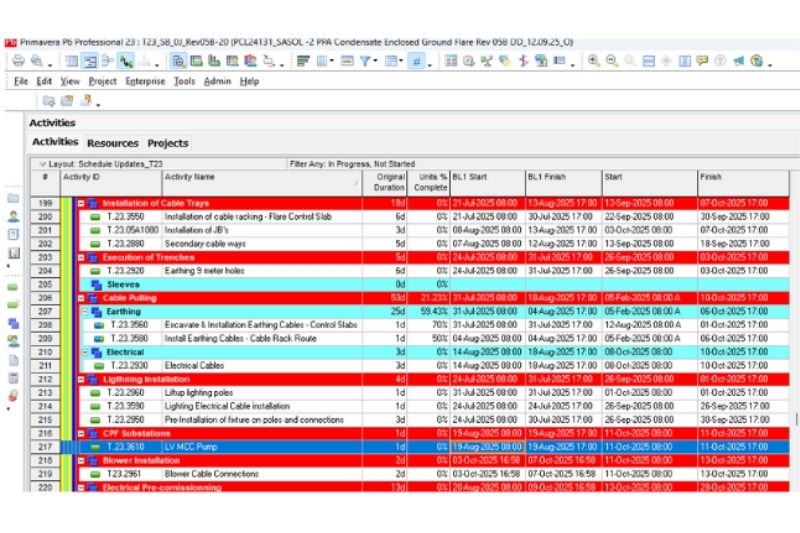
Advanced P6 Planning
Construction Projects
Learn to plan construction projects with Primavera P6, mastering advanced scheduling and resource optimization.
Course Content
1. Module – Introduction to Primavera P6
2. Module – Project Planning
3. Module – Resources and Costs
4. Module – Scheduling and Critical Path
5. Module – Project Control
6. Module – Reporting and Dashboards
7. Module – Advanced Features
Course Syllabus
Project Planning and Scheduling with Primavera P6
Requirements
- Basic project management knowledge.
- General computer literacy (MS
Office). - No prior Primavera P6 experience needed.
Target Audience
- Project managers, planners, schedulers.
- Engineers and construction professionals.
- PMO staff and project controllers.
- Anyone needing skills in enterprise project planning.
Objectives
Upon completion of the course, participants will be able to:
- Understand the concepts of project planning and control.
- Create and structure projects in Primavera P6.
- Define calendars, activities, durations, and relationships.
- Apply the Work Breakdown Structure (WBS).
- Assign and manage resources and costs.
- Use activity codes and display layouts.
- Identify the critical path and analyze the logic network.
- Update and control project progress.
- Generate project reports and graphical outputs.
- Export and import project files.
- Configure filters, layouts, and custom views.
- Work with baselines and compare project schedules.
- Understand multi-project and portfolio management.
- Prepare dashboards and presentations for stakeholders.
- Manage user access,